Face Shape Detector: Find Your Face Shape Online

Upload a clear front-facing photo to use our AI face shape detector. In seconds, you can find your closest face shape, understand which facial proportions influenced the result, and use that information for hair, glasses, and makeup decisions.

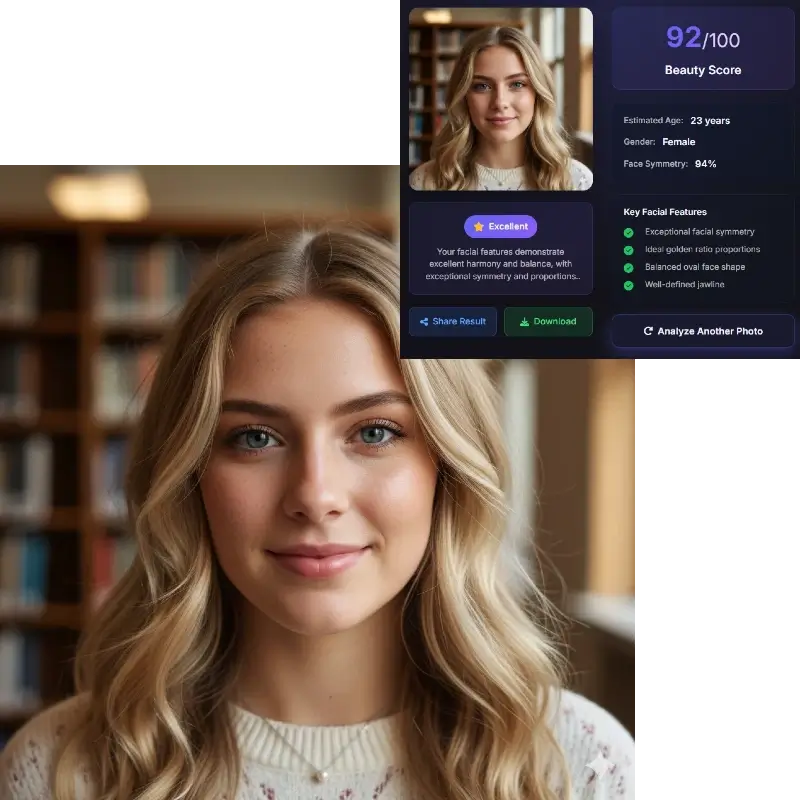
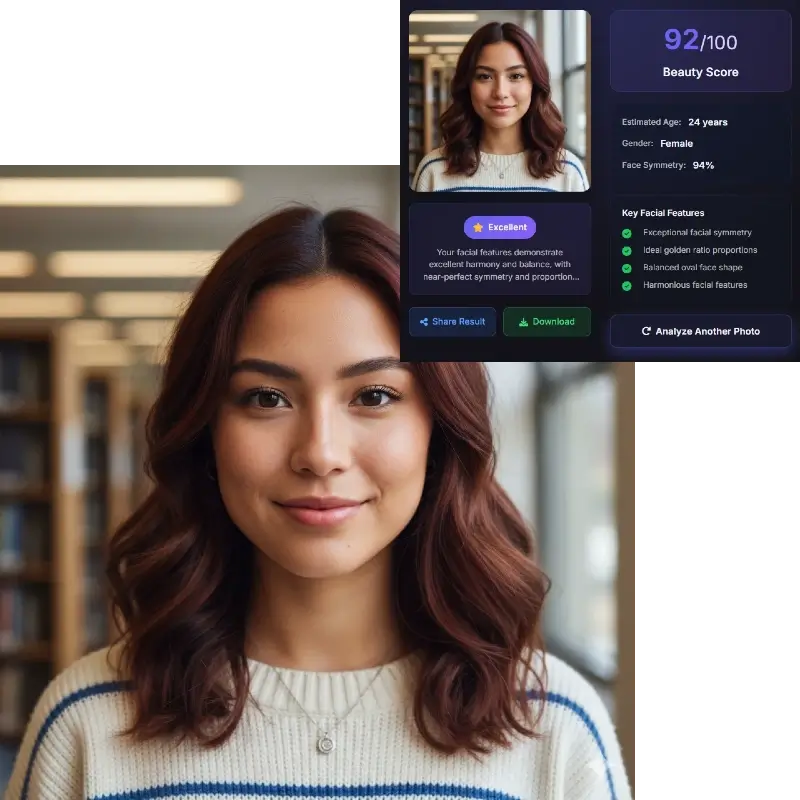
Sample selfie for face shape detector Portrait example for AI face shape detector

Upload Your Photo for Face Shape Detection

Use a clear selfie or portrait. Good lighting and a straight angle improve face shape detector results.

How to Use the Face Shape Detector

Step 1

Upload a Straight, Clear Photo

Start with a front-facing selfie or portrait where your full face is visible. A face shape detector works best when hair is pulled away from the cheeks and jawline, the camera angle is natural, and the photo is not heavily filtered.

Step 2

AI Maps Facial Landmarks and Proportions

The face shape detector reviews the visible outline of your face and compares forehead width, cheekbone width, jawline shape, and overall face length. Those signals help estimate which face shape category your photo most closely matches.

Step 3

Review Your Closest Face Shape Match

You will see the closest face shape label along with supporting cues such as symmetry and proportion balance. Use that result as a practical guide for styling decisions, not as a rigid label that defines your face forever.

Common Face Shapes the Detector Looks For

Most people searching for a face shape detector want one simple answer: what face shape do I have? These are the main categories the page is designed to explain clearly.

A face shape detector usually works with broad categories rather than absolute truths. That matters because many faces sit between labels. You might test as oval in one image and slightly oblong in another, or fall between heart and diamond depending on hairstyle, camera distance, and how clearly your jawline is visible. The goal is to find your closest match, not to force your face into a perfect box.

Most balanced

Oval

Oval faces usually look a little longer than they are wide, with softly balanced proportions through the forehead, cheekbones, and jawline. This is one of the most common outputs from a face shape detector because it often acts as the middle ground between several categories.

  • Gently curved jawline
  • Balanced forehead and cheekbones
Soft contour

Round

Round faces tend to have similar width and length, fuller cheeks, and fewer sharp angles around the jaw. A face shape detector may return round when the contour reads soft and the widest part of the face sits around the cheeks.

  • Soft outline
  • Width and length feel close
Strong lines

Square

Square faces usually show a broad forehead, a defined jawline, and a face shape that feels structured rather than tapered. If your face shape test reads square, the detector is often seeing stronger angles at the sides of the face and jaw.

  • Defined jaw angle
  • Broad upper and lower face
Wider forehead

Heart

Heart-shaped faces are often wider through the forehead and narrower through the chin. A face shape detector may identify heart when your upper face appears visually broader and the lower face tapers more noticeably.

  • Forehead wider than jaw
  • Narrower or tapered chin
Cheekbone focus

Diamond

Diamond faces usually look widest at the cheekbones, with a narrower forehead and jawline. This face shape can be harder to judge by eye, which is exactly why many users try an AI face shape detector instead of guessing from a mirror.

  • Cheekbones stand out most
  • Forehead and jaw are narrower
Longer profile

Oblong

Oblong faces read longer than they are wide and often keep a fairly consistent width from top to bottom. A face shape detector may return oblong when your vertical length is the strongest visible proportion in the image.

  • Face length stands out
  • Width stays relatively even

If your result feels close to two labels, that is normal. Face shape detector tools estimate the closest match from one photo, and real faces often sit on a spectrum rather than in a single perfect category.

What the AI Face Shape Detector Measures

A strong face shape detector does more than guess from a selfie. It compares a few visible structure signals that users can understand.

Forehead Width

The detector checks how broad the upper face appears, especially across the forehead area. This is one of the main clues that helps separate oval, square, and heart-shaped results.

Cheekbone Width

Cheekbones are often the visually widest part of the face. A face shape detector compares that width with the forehead and jaw to decide whether the contour looks round, diamond, oval, or something in between.

Jawline Shape

The detector looks at how sharp, soft, broad, or tapered the lower face appears. That is a major reason square, heart, and round faces can look different even when the overall face width is similar.

Face Length

Vertical length matters because it changes how the whole face reads. Longer proportions often push a face shape result toward oblong, while shorter and fuller proportions can shift the reading toward round or soft oval.

This face shape detector reads the photo in front of it. Different camera angles, very close selfies, heavy contouring, or hair covering the sides of the face can change how these signals look.

Use Your Face Shape Detector Result to Choose Better Hairstyles

One of the biggest reasons people search for a face shape detector is hair. The useful part is not the label by itself, but what the label helps you test next. If your closest match reads round, you may want styles that add vertical structure. If the result reads square, softer layers or movement around the face may feel more balanced. If it reads oblong, width at the sides can sometimes feel more flattering than extra height on top. A face shape detector gives you a starting point for comparing haircut ideas without guessing blindly.

Face shape detector styling example for hairstyle planning

Find Frames and Accessories That Work With Your Facial Contour

Another high-intent use case for a face shape detector is choosing glasses, sunglasses, hats, earrings, or even beard shapes. The reason this matters is simple: accessories add new lines around the face, so they can either echo your natural shape or balance it. Someone with a heart-shaped result might want frames that add visual weight lower down. Someone with a square result may prefer softer curves. Someone with an oval result can usually test a wider range. The detector does not make the decision for you, but it helps narrow the field faster.

AI face shape detector example for glasses and accessory choices

Turn a Face Shape Test Into Better Makeup and Grooming Choices

A face shape test is also useful for contour placement, blush placement, brow balance, and grooming choices that change how the face is framed. If your face shape detector result suggests diamond, you may focus on balancing cheekbone prominence with softer framing near the forehead and jaw. If it suggests heart, you may want to think about visual balance in the lower face. If it suggests square, blending and curve placement can matter more than trying to hide structure. The best use of a face shape detector is practical experimentation, not perfection chasing.

Face shape detector result used for makeup and grooming decisions

How to Get a More Accurate Face Shape Test

If you want the face shape detector to give a useful result, the photo matters almost as much as the model.

Use a Front-Facing Photo

A straight-on image is easier for the face shape detector to read than a tilted selfie, a strong profile, or a dramatic angle. If the contour is distorted, the result will be less stable.

Choose Soft, Even Lighting

Harsh shadows can hide the jawline, cheeks, and forehead edges. Natural light or even indoor light helps the face shape test see the contour more clearly.

Keep Hair Away From the Sides of the Face

Hair covering the cheeks, temples, or jawline can make it harder for a face shape detector to estimate your true outline. Pulled-back hair usually gives the clearest read.

Avoid Very Close Selfies

A very close phone camera can exaggerate nearby features and change how wide or long the face appears. A natural camera distance often produces a more reliable face shape detector result.

If your result changes across photos, that does not always mean the detector failed. It often means the images present your facial contour differently. Try a clean, unfiltered portrait before deciding which face shape label fits best.

Face Shape Test Signals and Use Cases

The detector focuses on visible structure so the result is useful for styling decisions, not just a label.

Best input for a face shape test

Use a straight portrait with hair away from the face so AI can compare forehead width, cheekbones, jawline, chin taper, and face length.

What the output means

The tool returns the closest face shape match plus signals that influenced the result. If two shapes feel close, compare both for hairstyles or frames.

Style decisions it can support

Use the result to shortlist haircuts, glasses, beard shapes, earrings, contour placement, and profile-photo angles.

Common edge cases

Close selfies, tilted heads, hair covering the jaw, strong smiles, filters, or shadows can shift a face shape detector result.

For broader beauty score, symmetry, and golden ratio analysis, start from the main AI Face Analysis tool.


Face Shape Detector FAQ

What face shape do I have if the result feels between two categories?

That is common. A face shape detector does not discover a secret permanent label hidden inside your face. It estimates the closest match from one visible image. Many people naturally sit between oval and oblong, or between heart and diamond. If two categories seem plausible, use the result as a styling guide and pay attention to which haircut, frame, or makeup ideas actually look best on you.

How accurate is an AI face shape detector?

A face shape detector can be very useful when the image is clear and the goal is broad categorization. Accuracy is strongest when the tool can clearly see your forehead, cheekbones, jawline, and face length. It becomes less reliable when the photo is taken too close, heavily filtered, badly lit, or partly covered by hair. Think of the result as a practical estimate rather than a final verdict.

Can AI tell my face shape from one photo?

Yes, AI can estimate face shape from one photo by comparing visible facial proportions and contour landmarks. That said, the result still depends on how the image presents your face. A front-facing portrait with a natural camera distance is much more helpful than a close selfie, a smiling group photo, or a side angle.

What does the face shape detector actually look at?

The detector mainly looks at forehead width, cheekbone width, jawline shape, chin taper, and overall face length. Those visible relationships are what separate common labels such as round, square, heart, diamond, oval, and oblong. In other words, the face shape detector is reading structure and contour, not judging beauty or attractiveness.

What photo works best for a face shape test?

Use a clear, front-facing photo with your full face visible, your hair pulled away from the sides, and lighting that does not create deep shadows. Avoid screenshots, heavy filters, wide-angle close selfies, and photos where you are turning your head. If you want the most useful face shape detector result, clean input matters.

Is my photo stored when I use the face shape detector?

You should always check the site's privacy policy before uploading a face photo. On FaceAnalysis.org, uploaded photos are processed for analysis and not kept as a permanent photo library. If privacy matters to you, read the linked policy before you upload so you know how retention, deletion, and handling are described.